momentium.

LUMA / LEARN BY MAKING

Make it in Luma.

Little sessions. Real creative tools. Tap into a canvas and make your first edit.

01 Explore the layers02 Make a guided edit03 Remix it your way04 Keep the editable project

Browse the complete effects review →

“Show me” finds the actual control. Progress follows your edits. Every workshop includes a starter, a finished example and a before/after comparison.

01

4–6 min · 3 steps

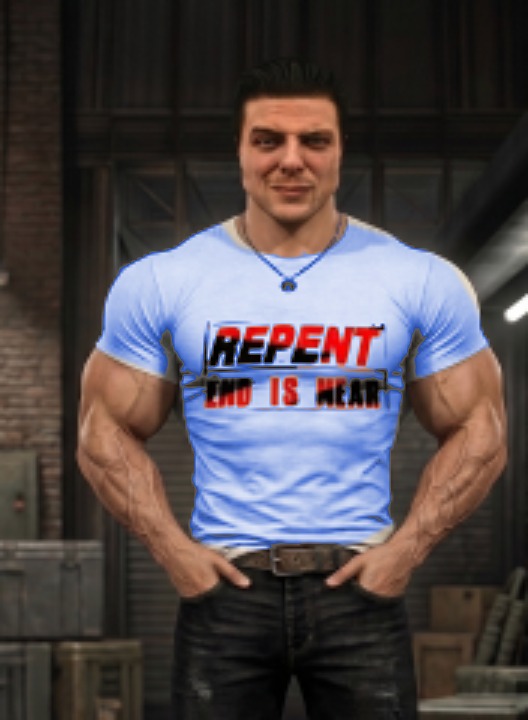
Select his shirt. Change its color.
luma studioEditable session
Select his shirt. Change its color.

An editable Luma project

Open the full lesson ↗

Smart selection / mask preview / edge refinement / targeted Recolor

Tap to smart-select the man’s T-shirt, refine its mask with Add and Remove, then recolor a copy. Keep his face, arms, printed lettering and surroundings intact.

Start making ↗
View originals & get the editable files
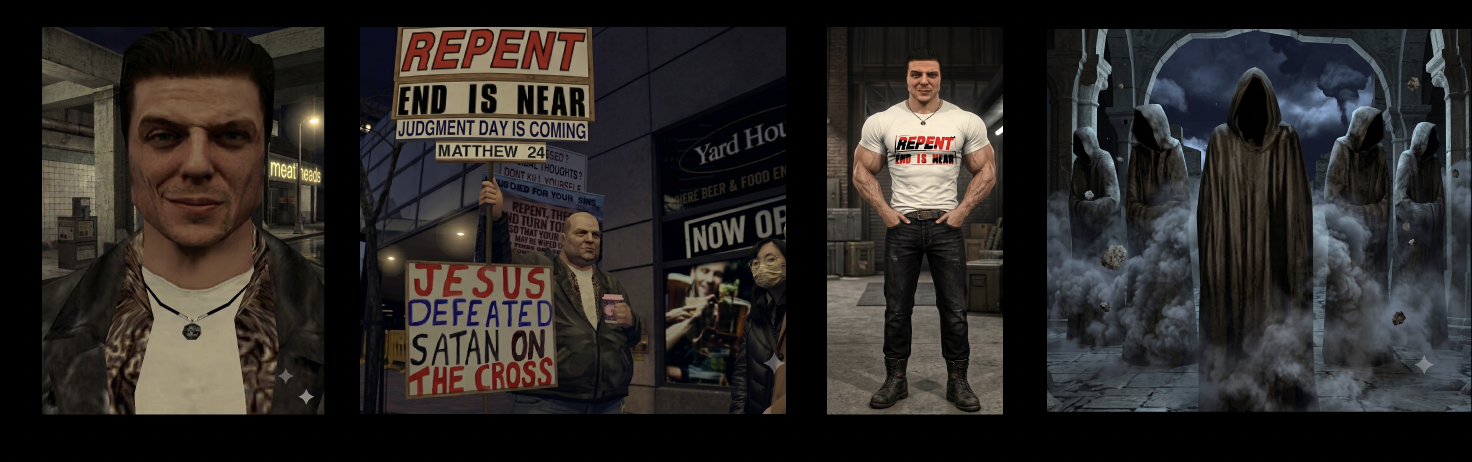
The original image stays intact. The workshop adds editable layers, type, masks and color treatments.
02

5–7 min · 5 steps

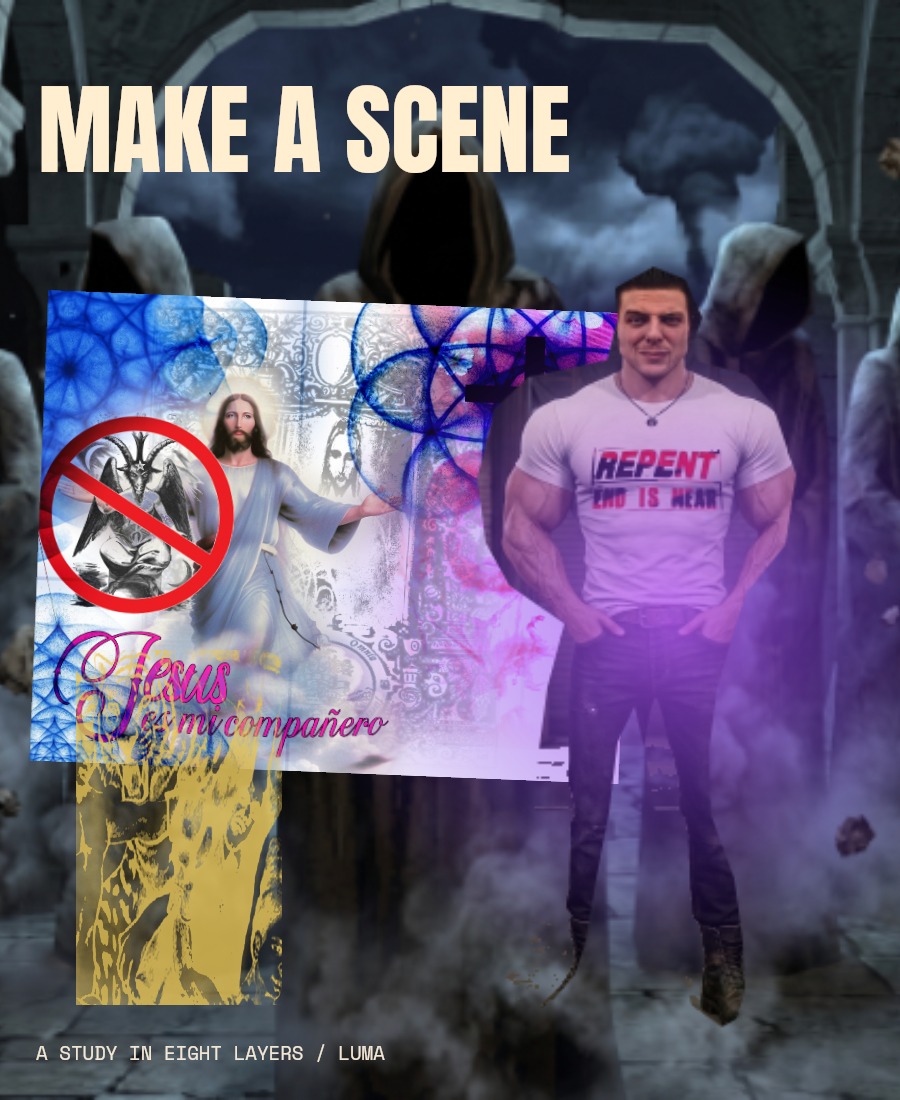
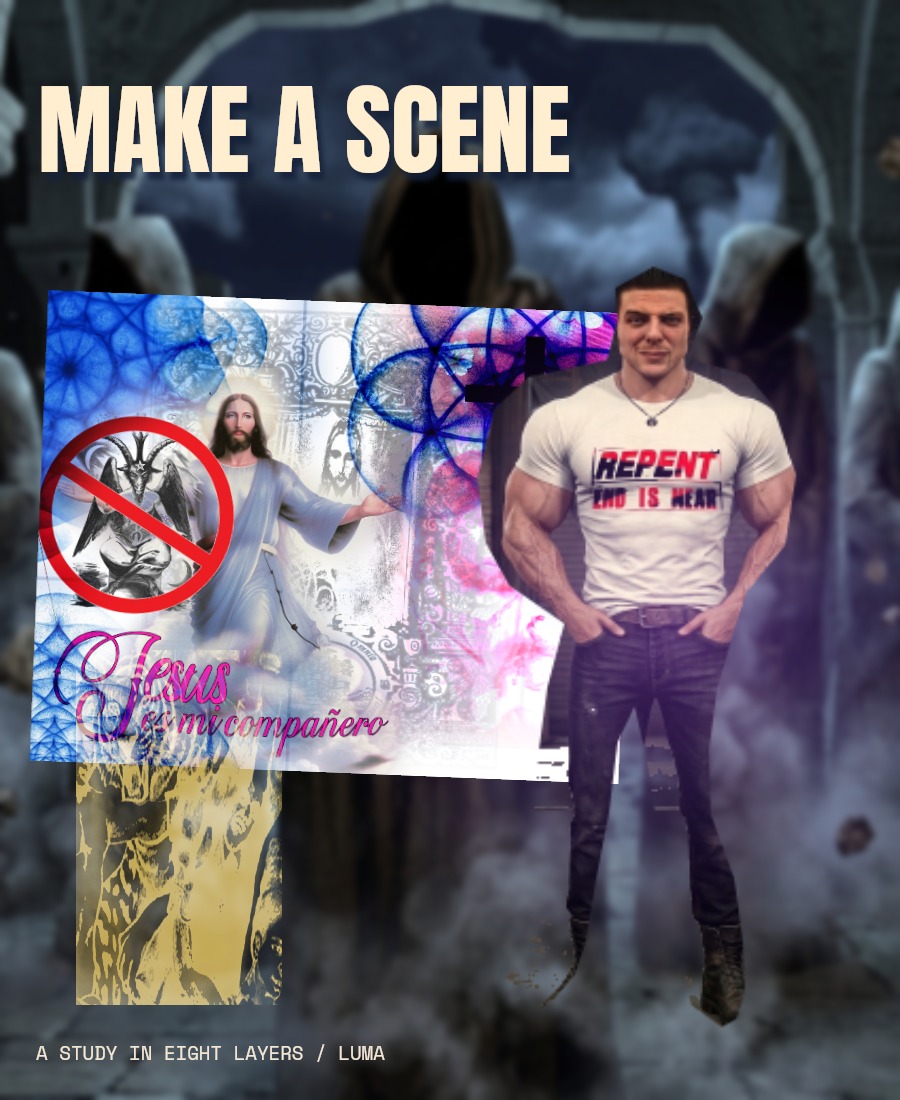
Eight layers. Your composition.

luma studioEditable session
Eight layers. Your composition.

An editable Luma project

Open the full lesson ↗

8 editable layers / layer order / placement / live text

Reorder the stack, move the imagery and edit the headline. Continue with this exact document in the next lesson.

Start making ↗
View originals & get the editable files

The original image stays intact. The workshop adds editable layers, type, masks and color treatments.
03

6–9 min · 5 steps

Same layers. A different feeling.

luma studioEditable session
Same layers. A different feeling.

An editable Luma project

Open the full lesson ↗

Blending / opacity / layer effects / smart filters

Continue your composition and explore all 27 blend modes, 17 layer effects and 15 editable smart filters.

Start making ↗
View originals & get the editable files

The original image stays intact. The workshop adds editable layers, type, masks and color treatments.
04

6–8 min · 5 steps

Design your next drop.

luma studioEditable session
Design your next drop.

An editable Luma project

Open the full lesson ↗

Ink color / live type / fabric blending / layer comps

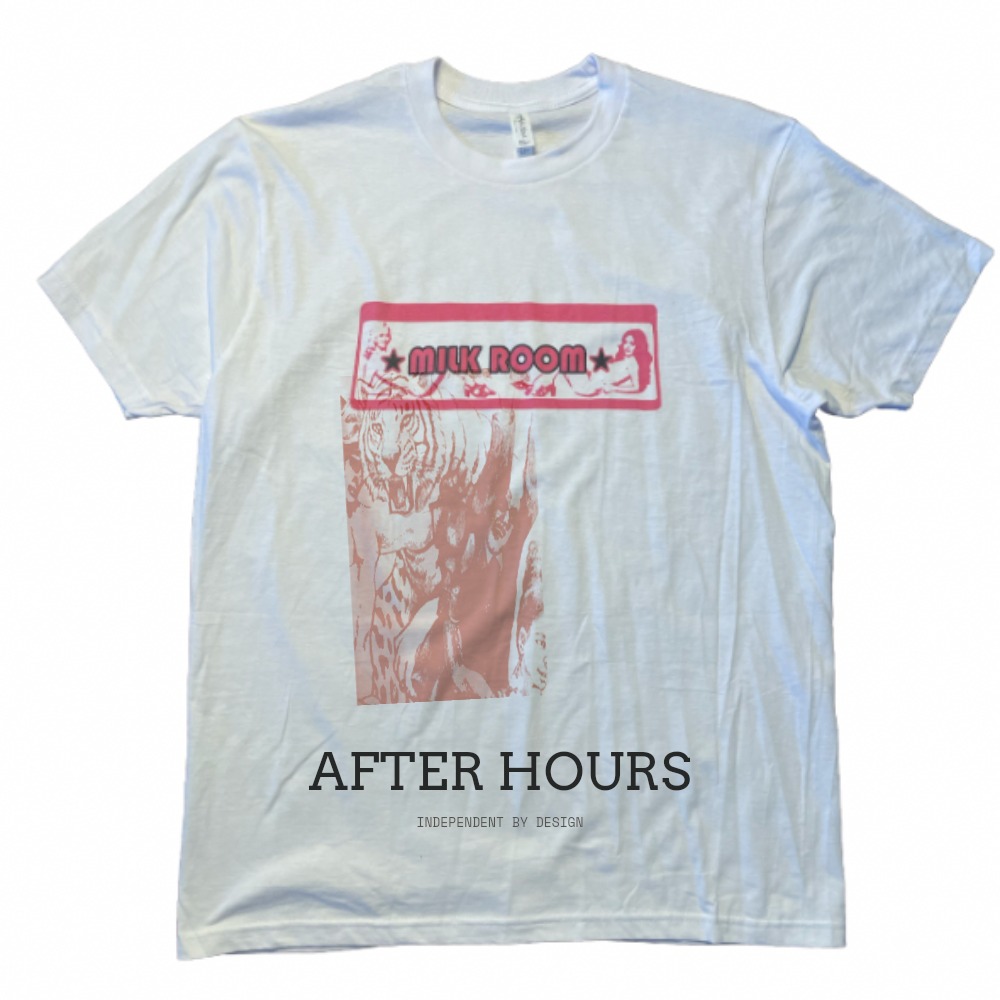
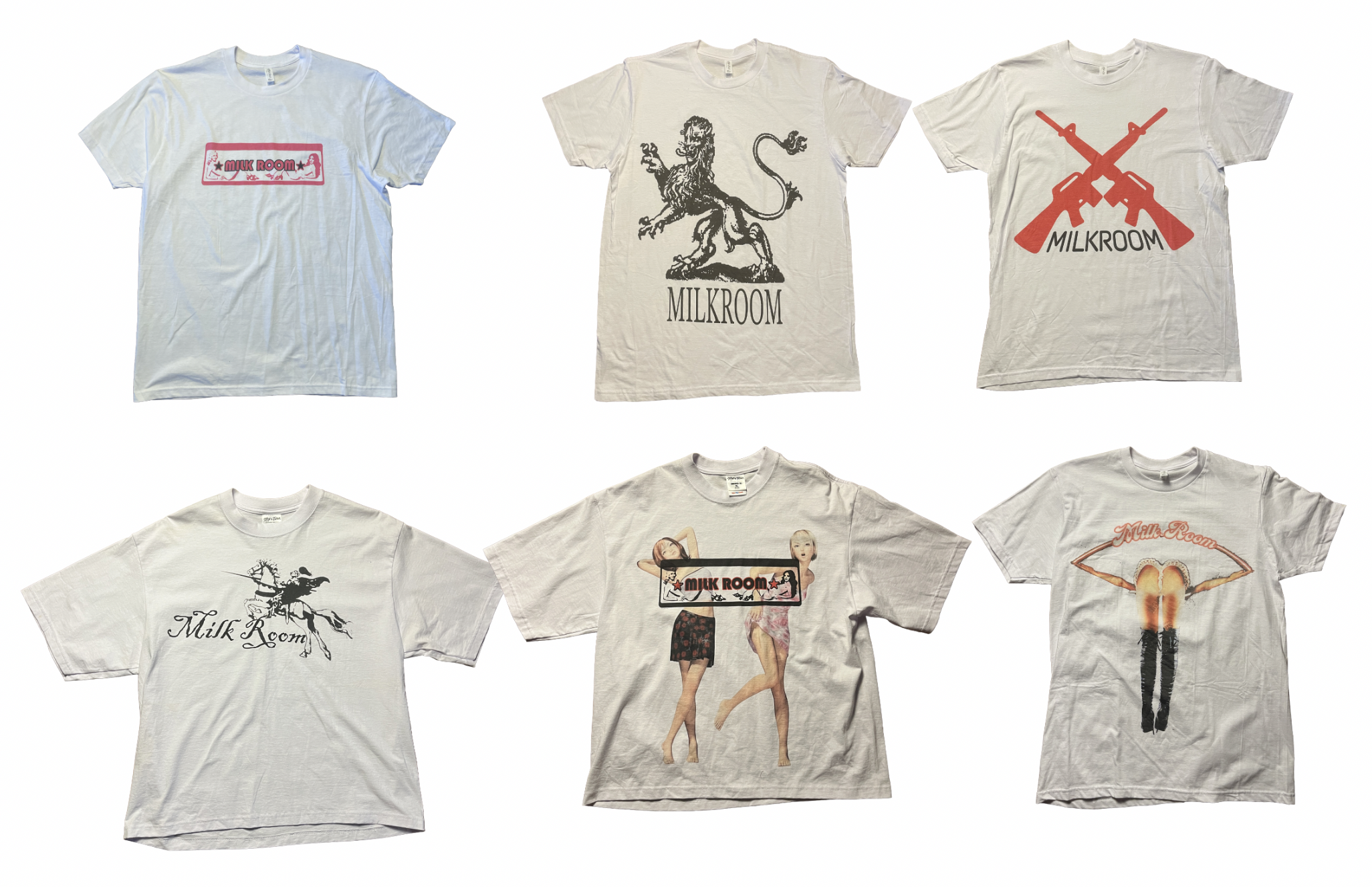
Remix the Milk Room tee photograph with a fabric motif, new ink and your own editable lettering.

Start making ↗
View originals & get the editable files

The original image stays intact. The workshop adds editable layers, type, masks and color treatments.
05

8–10 min · 5 steps

Build a signature print.

luma studioEditable session
Build a signature print.

An editable Luma project

Open the full lesson ↗

Captured brushes / repeat preview / colorways

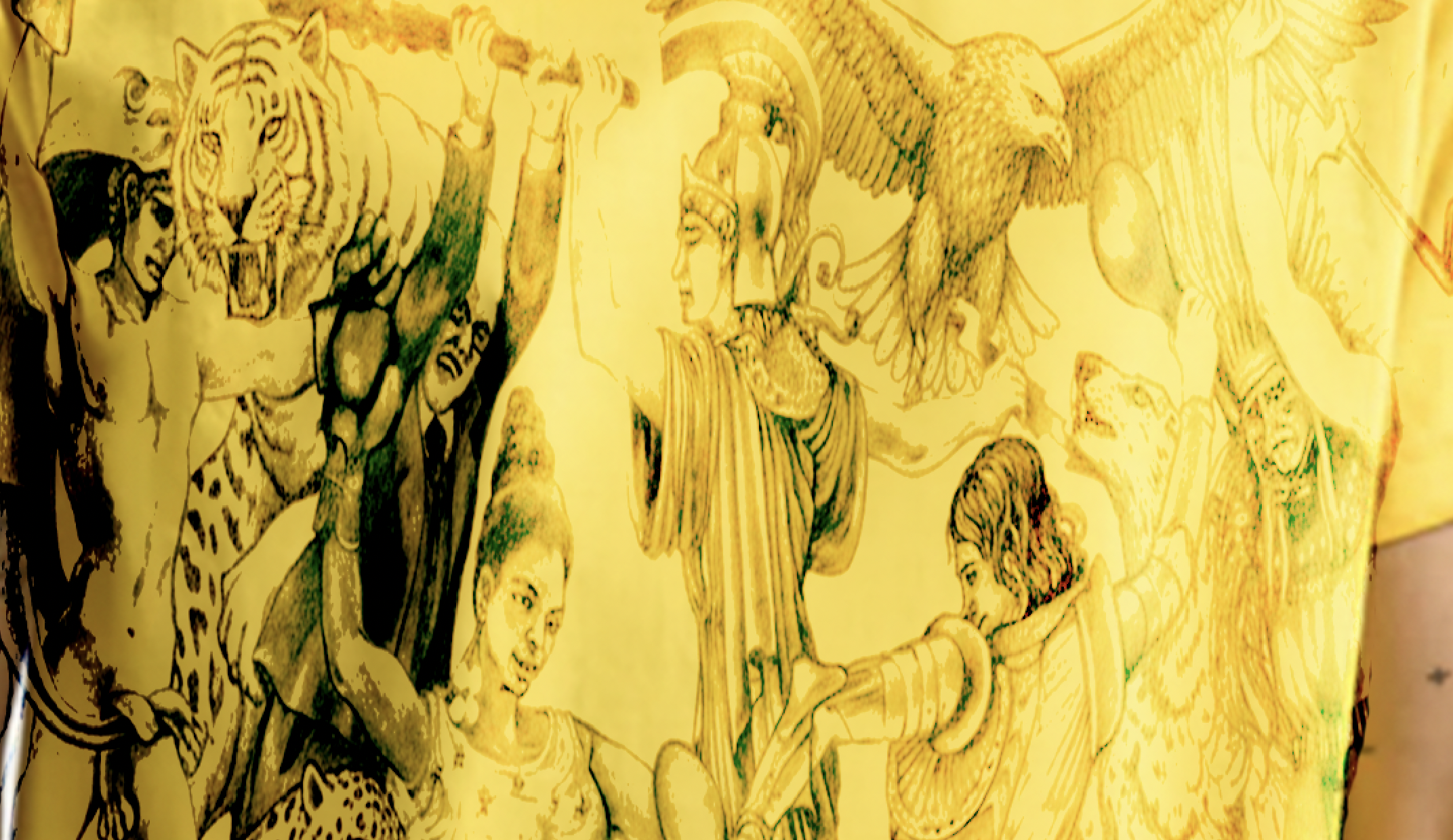
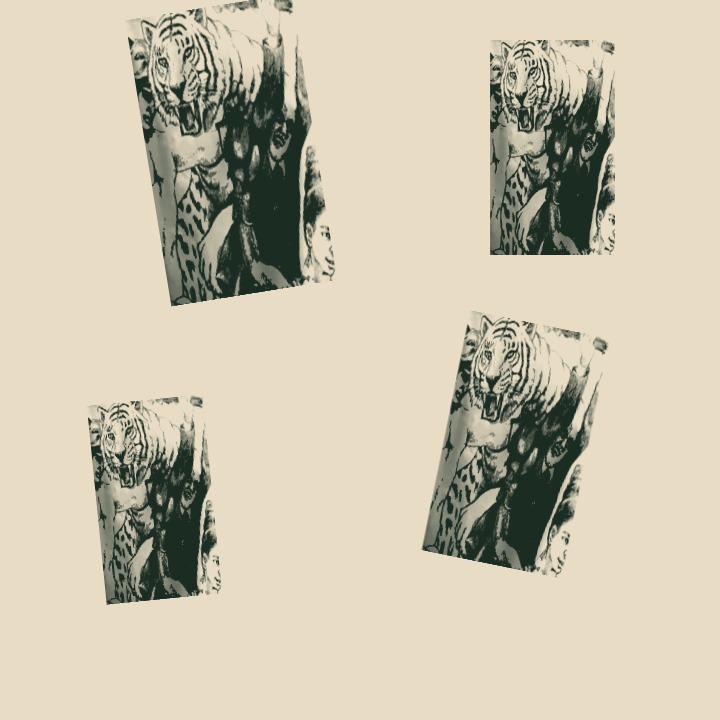
Capture a motif from the yellow fabric as your own brush, paint a repeat and try three fabric colorways.

Start making ↗
View originals & get the editable files

The original image stays intact. The workshop adds editable layers, type, masks and color treatments.
06

6–9 min · 5 steps

Make a maximalist poster.

luma studioEditable session
Make a maximalist poster.

An editable Luma project

Open the full lesson ↗

Layered collage / masks / vector shapes / live type

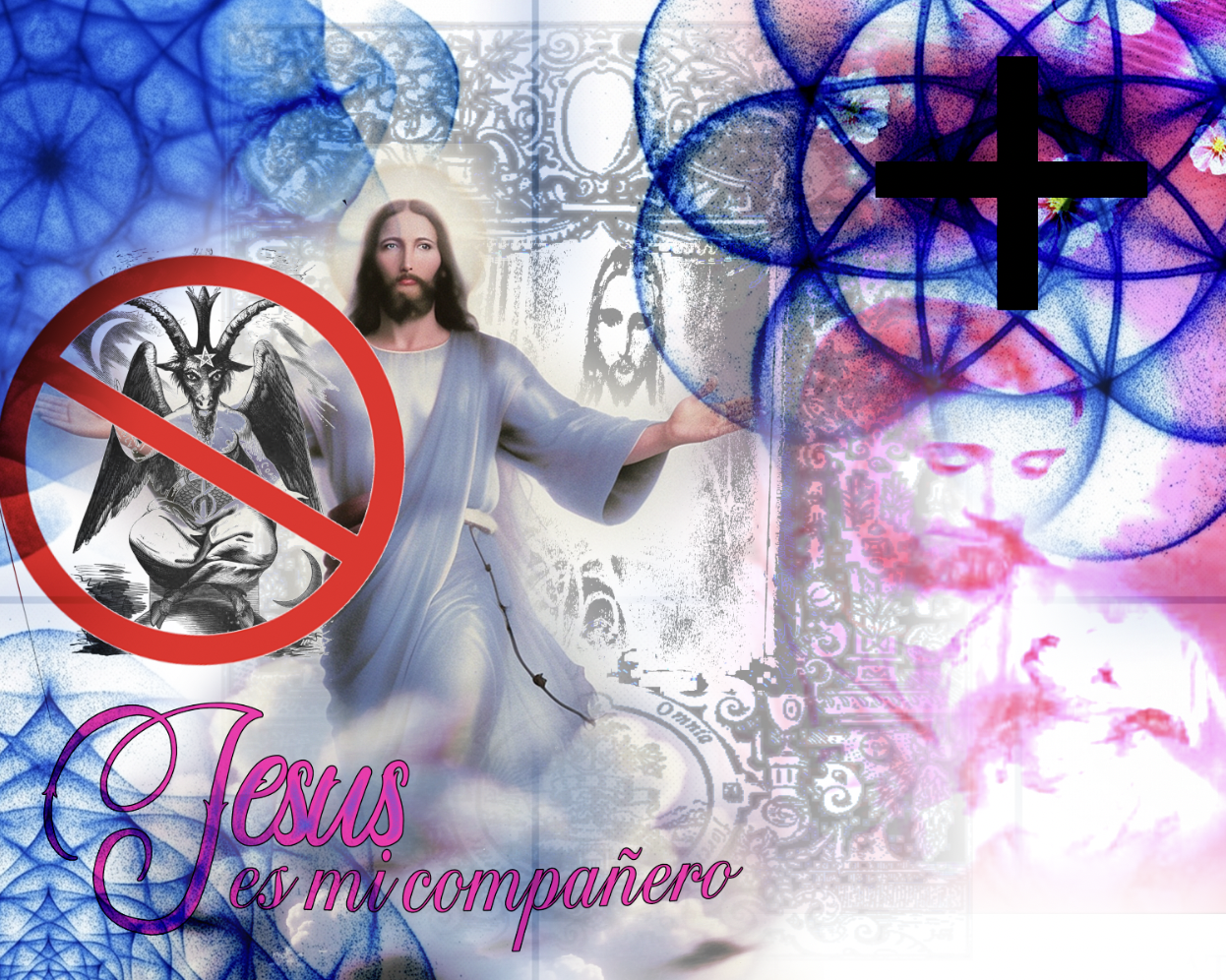
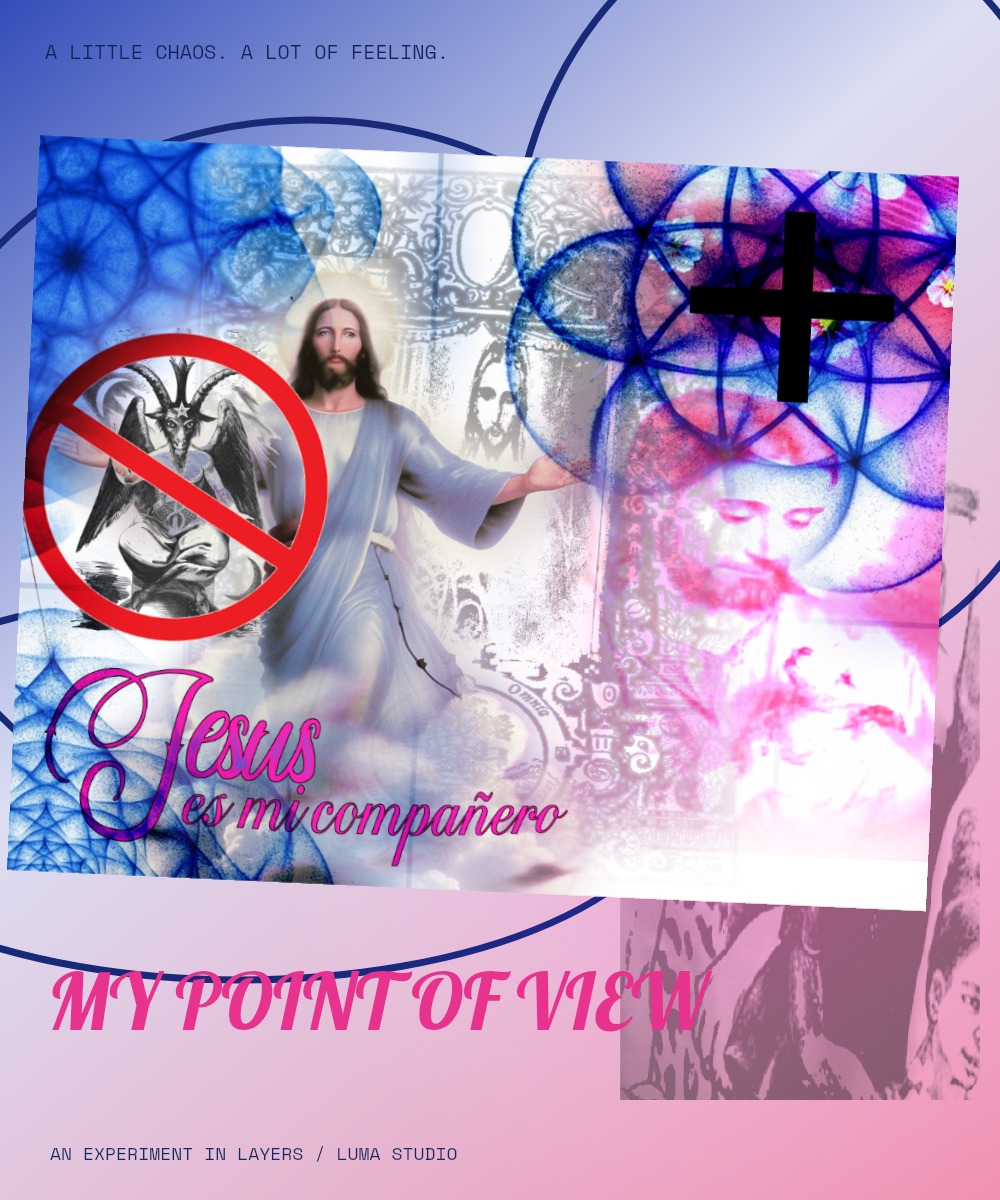
Build on the supplied blue-and-pink collage with editable lettering, linework and masked glow.

Start making ↗
View originals & get the editable files

The original image stays intact. The workshop adds editable layers, type, masks and color treatments.
07

6–8 min · 5 steps

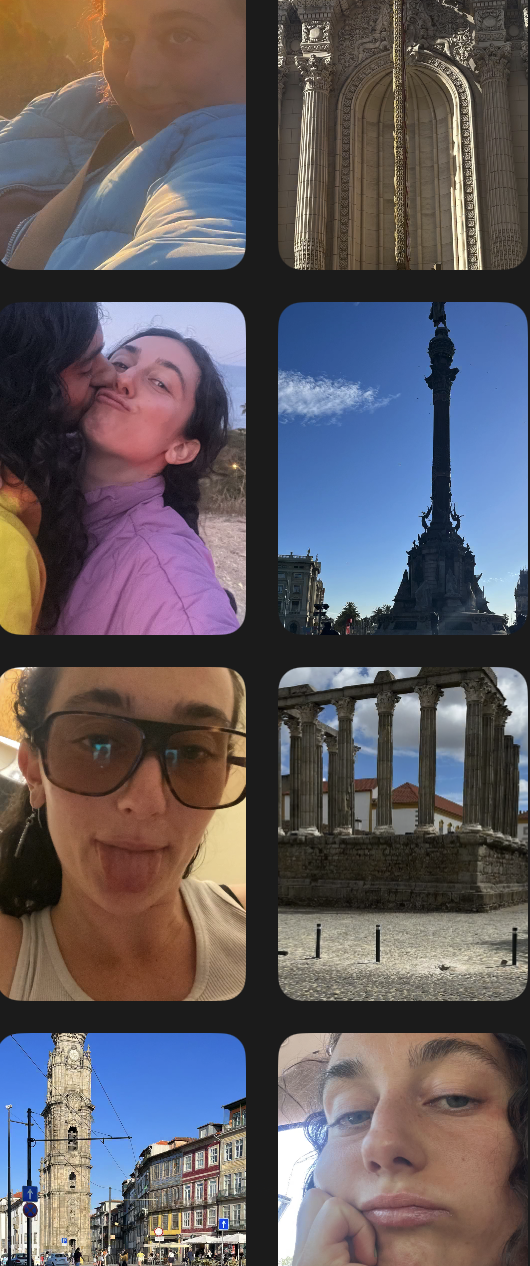
Make a weekend photo zine.

luma studioEditable session
Make a weekend photo zine.

An editable Luma project

Open the full lesson ↗

Clipping frames / photo grading / typography / artboards

Turn the supplied travel and portrait photographs into an editorial story, then export a cover and a square social post.

Start making ↗
View originals & get the editable files

The original image stays intact. The workshop adds editable layers, type, masks and color treatments.
08

7–10 min · 5 steps

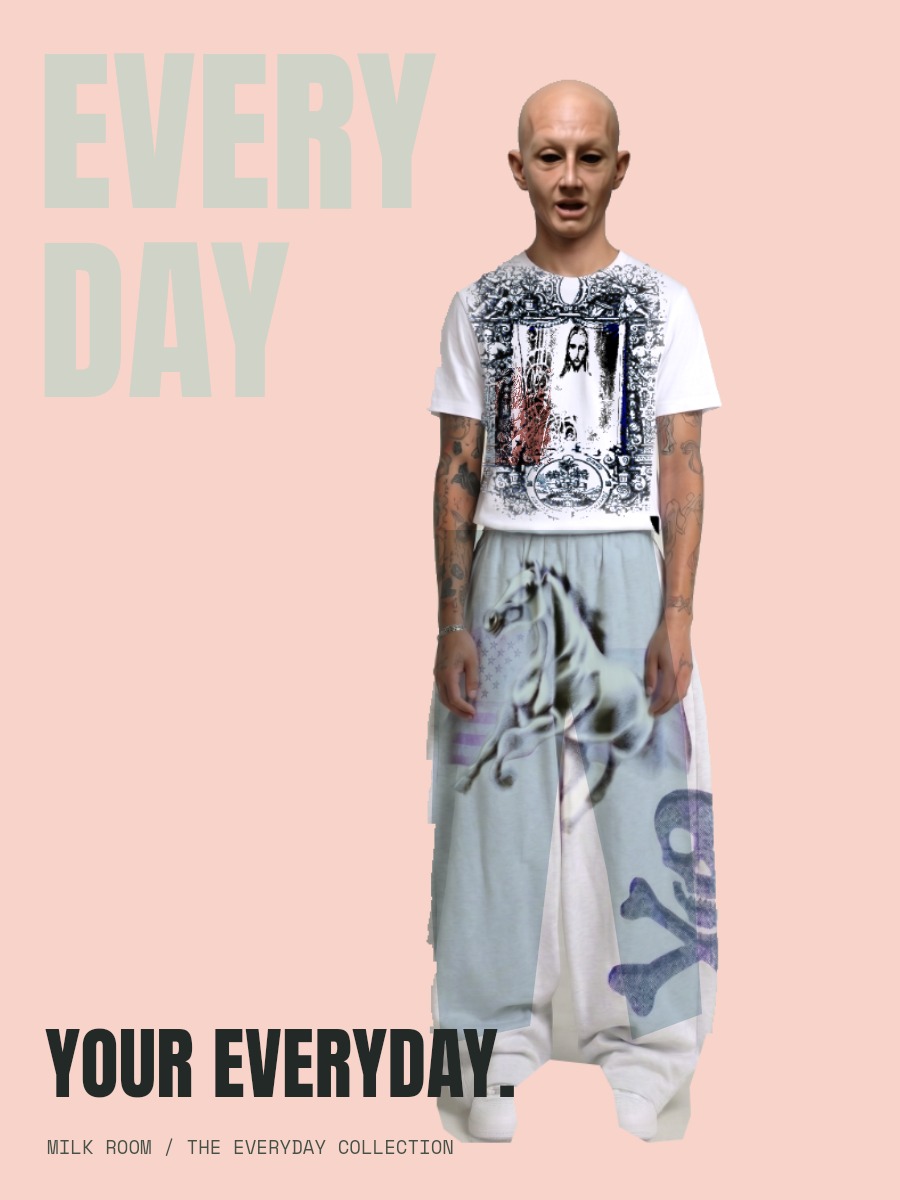
Create a fashion campaign.

luma studioEditable session
Create a fashion campaign.

An editable Luma project

Open the full lesson ↗

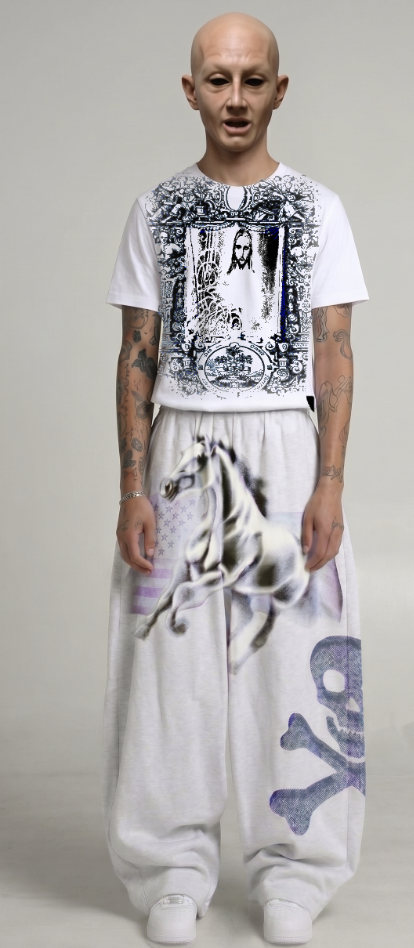
Mask cleanup / local color / artwork placement

Start with a prepared cutout from the supplied outfit photograph. Choose a backdrop, treat the garment and give the image a voice.

Start making ↗
View originals & get the editable files

The original image stays intact. The workshop adds editable layers, type, masks and color treatments.
09

7–10 min · 5 steps

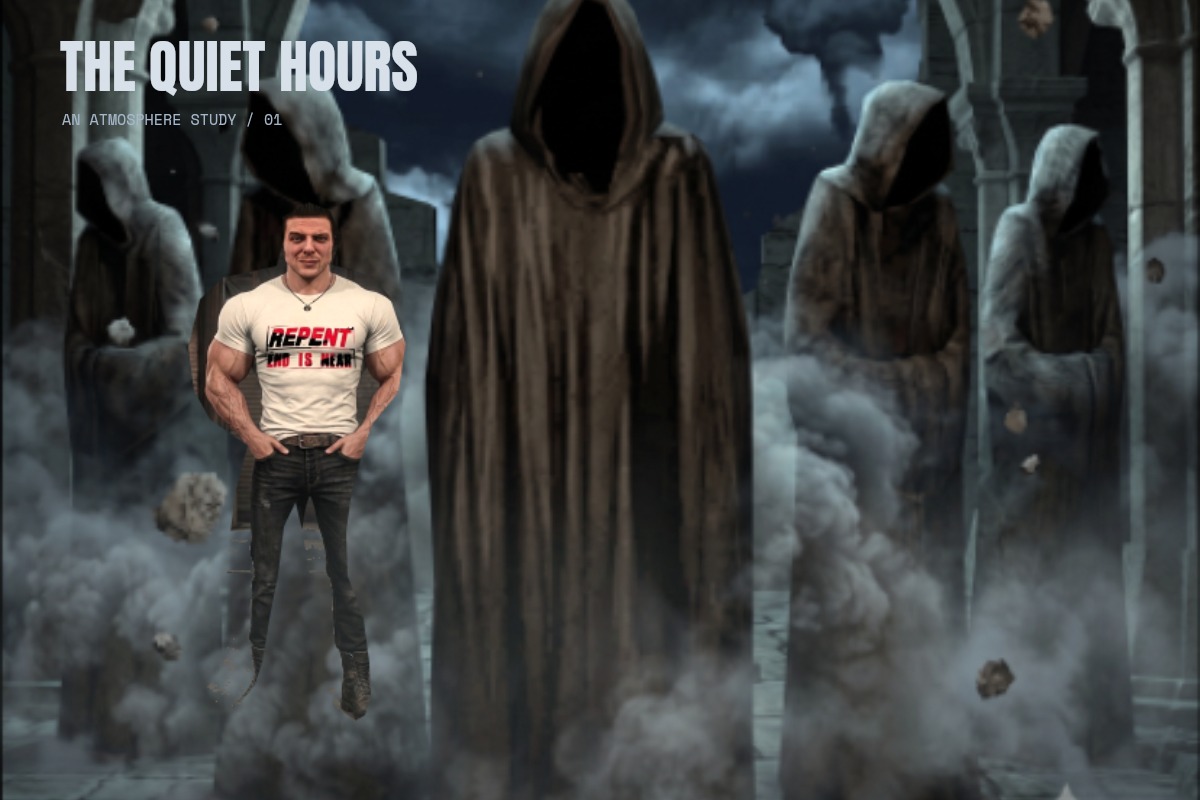
Build a cinematic scene.

luma studioEditable session
Build a cinematic scene.

An editable Luma project

Open the full lesson ↗

Mask painting / compositing / Curves / mood studies

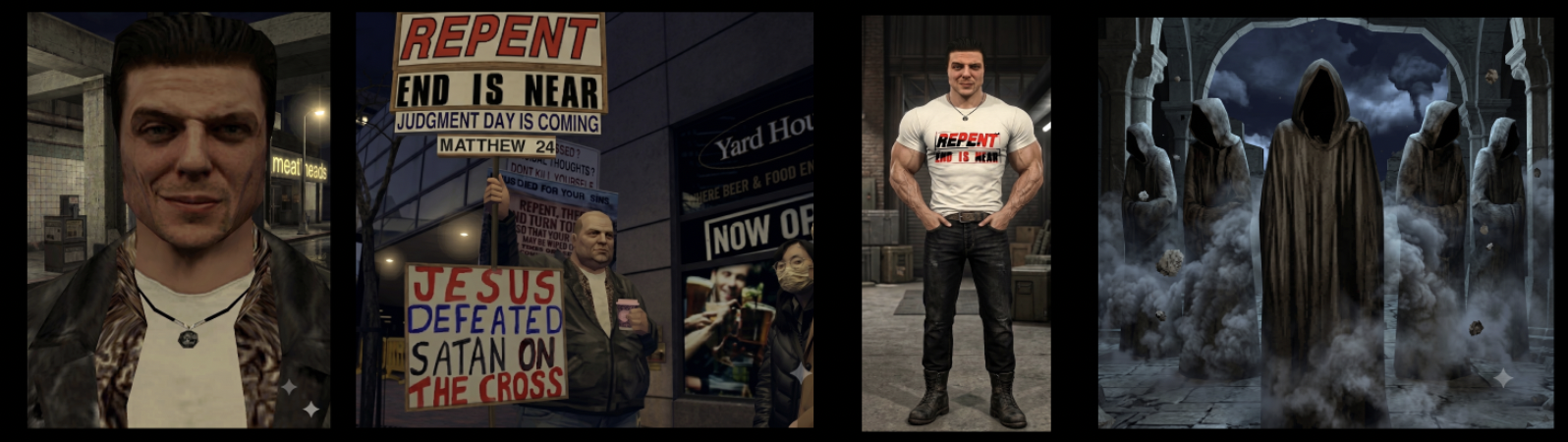
Combine the character and hooded scene from the two supplied boards. Paint in the atmosphere and compare moonlight with an amber grade.

Start making ↗
View originals & get the editable files

The original image stays intact. The workshop adds editable layers, type, masks and color treatments.
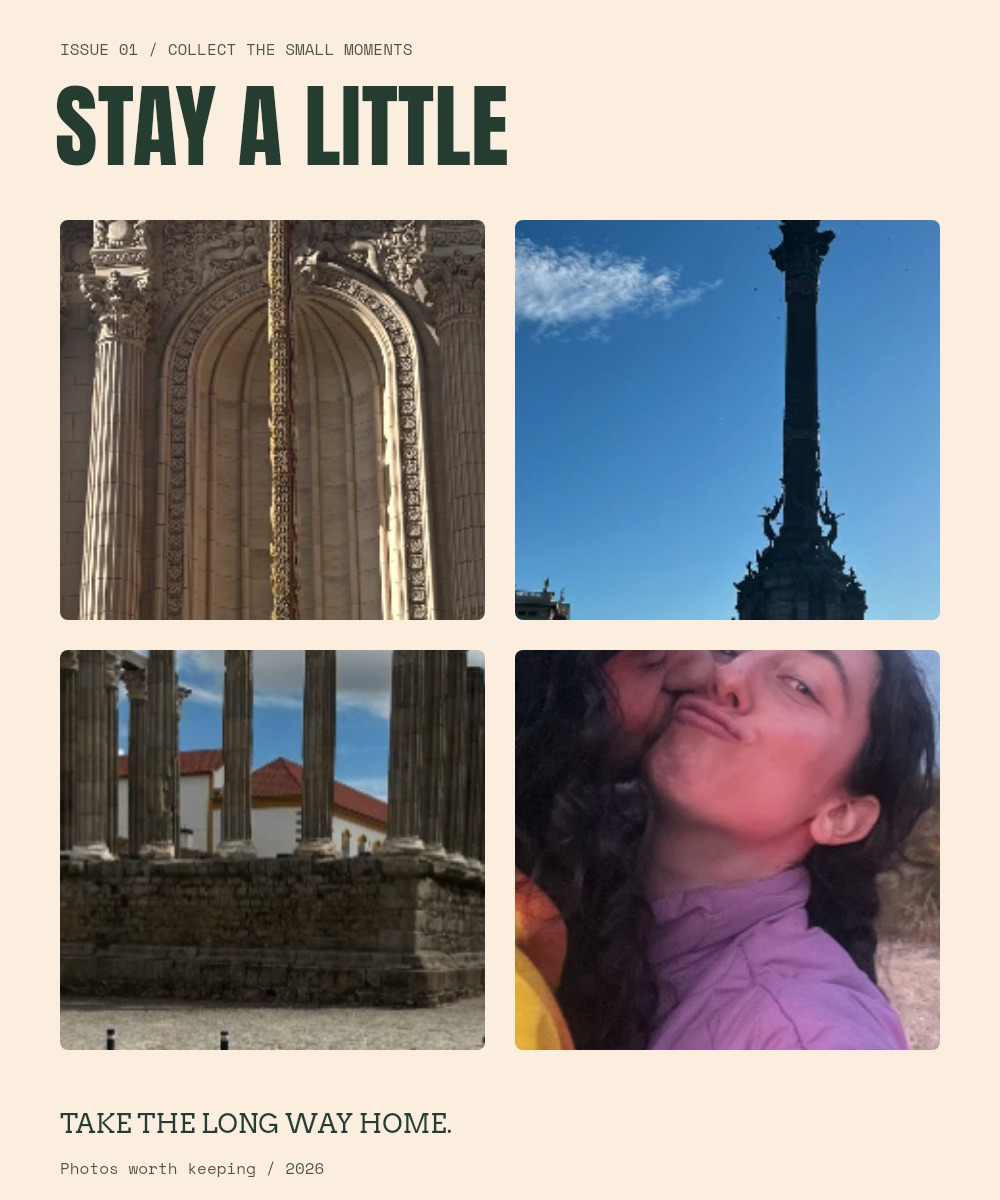
Built from the supplied shirts, photo grid, yellow fabric, outfit photograph, cinematic boards and collage. Original images are flattened; the workshops add editable crops, masks, typography, adjustments and layers. Your edits run locally in your browser; download your .luma file to keep a portable copy.

Make it in LumaOpen full workspace ↗
Explore the original quick lessons →